Face Form Finder · output check
Face Analyzer
Read the output before you compare the result.
If any factor is 0, keep the number as a product-specific result rather than converting or averaging it.
Same image, different numbers
One generated, non-identifiable front-view reference image was run on 28 September 2026. The two results below came from named runs on the same file. They are different outputs, not competing scores.
| Recorded numeric field | Lookmax Analyzer | Face Shape Detector |
|---|---|---|
| Displayed result | 86 | 92 |
| Displayed scale ceiling | 100 | 100 |
| Run order on the same file | 1 | 2 |
Decision: 86/100 is a face-score preview; 92/100 is a diamond-classification confidence. A matching denominator does not make distinct outputs interchangeable. Keep them in separate rows unless both tools answer the same requested question.
Watch the output check
Prefer YouTube? Watch the face analyzer output check.
Make an output ledger before you read the headline score
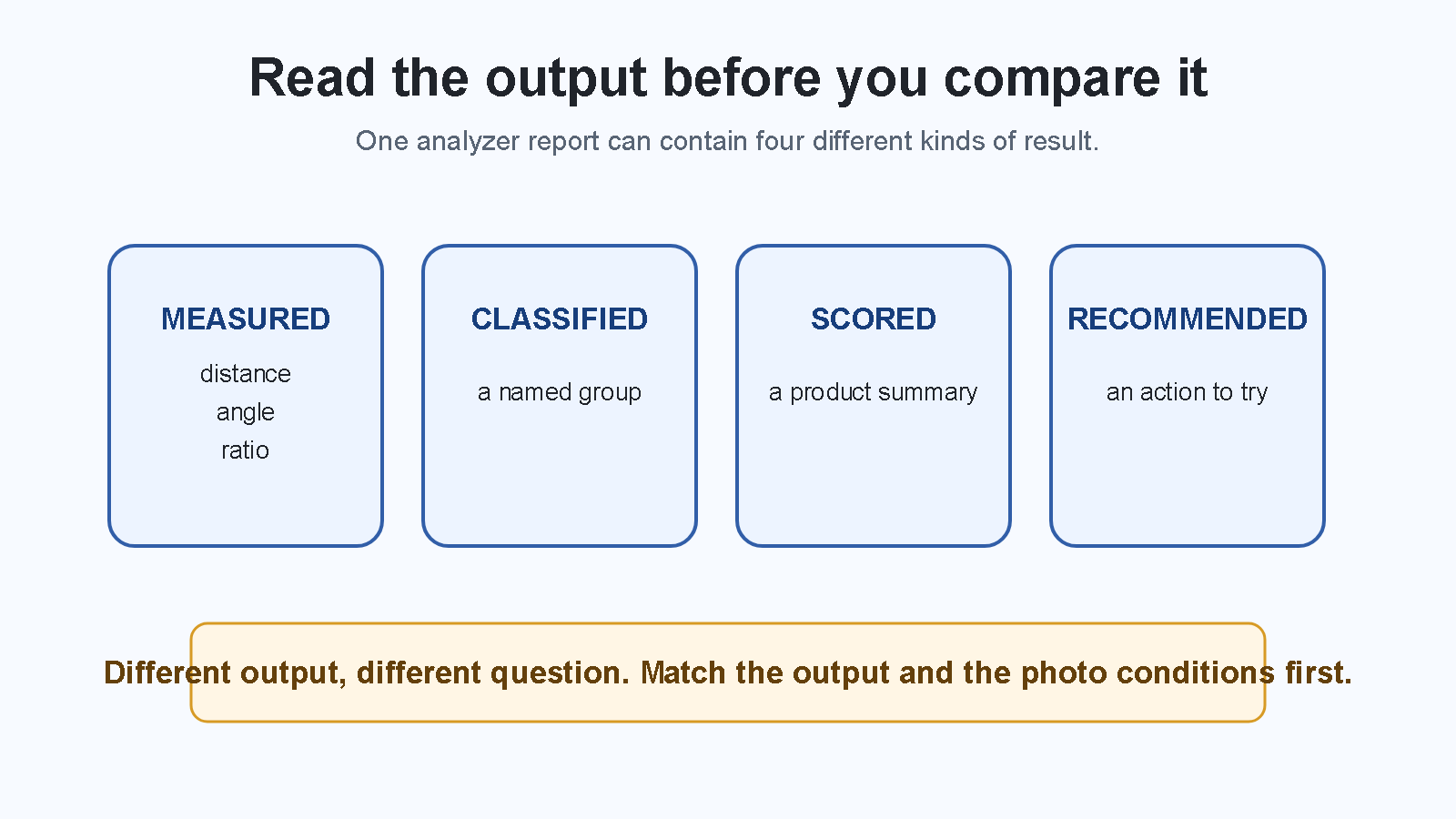
Measured: a stated distance, angle, ratio, landmark position, or visible photo feature. Do not substitute a broad score or a style suggestion.
Classified: a named group, such as a face-shape label or feature category. Do not treat it as a measurement unless the tool shows the rule that made the label.
Scored: a product’s summary number or rating. It does not prove that every component of the report changed.
Recommended: an action, style direction, crop, or editing suggestion. It is not evidence that the underlying measurement is correct.
When two results can be compared
First match the requested output. A face-shape label and a symmetry percentage are not competing answers. Then match the photo conditions: camera distance, camera height, face angle, expression, crop, visible hair or glasses, light, and filters. Finally check whether the two products describe comparable methods. A shared number or label is not enough on its own.
Same output, matched capture: repeat the test and compare the stated result. Different output or changed capture: keep both results in separate ledger rows. One result is unnamed or unsupported: retain the boundary rather than converting it into a score.
Do not let an aggregate score answer a narrower question
An overall score can move while leaving you unable to tell which reading moved. Unless a report exposes the changed component, the score change is not an explanation. It also cannot turn a recommendation into a measurement. Choose the narrowest output that actually answers your question and read it on its own line.
Use “not scored” as information
A result that says a photo cannot support a particular reading has drawn a boundary around the evidence available in that capture. Keep that boundary. Do not fill it with a nearby category, a combined score, or a conclusion from another product.
Questions
Why did my face analyzer score change?
First check whether it was the same output on matched photos. A score change by itself does not identify which measurement, category, or recommendation changed.
Can I compare two face analyzer results?
Only when they answer the same kind of question from matched capture conditions and expose compatible methods. Otherwise each result belongs to the product that produced it.
For left-right balance rather than an aggregate output, use the face symmetry test. For a named outline, use the face shape chart.